
Creating Your Account
Getting started with AVAG takes just a few minutes. Here’s how to set up your account from scratch.
Step 1: Start your free trial
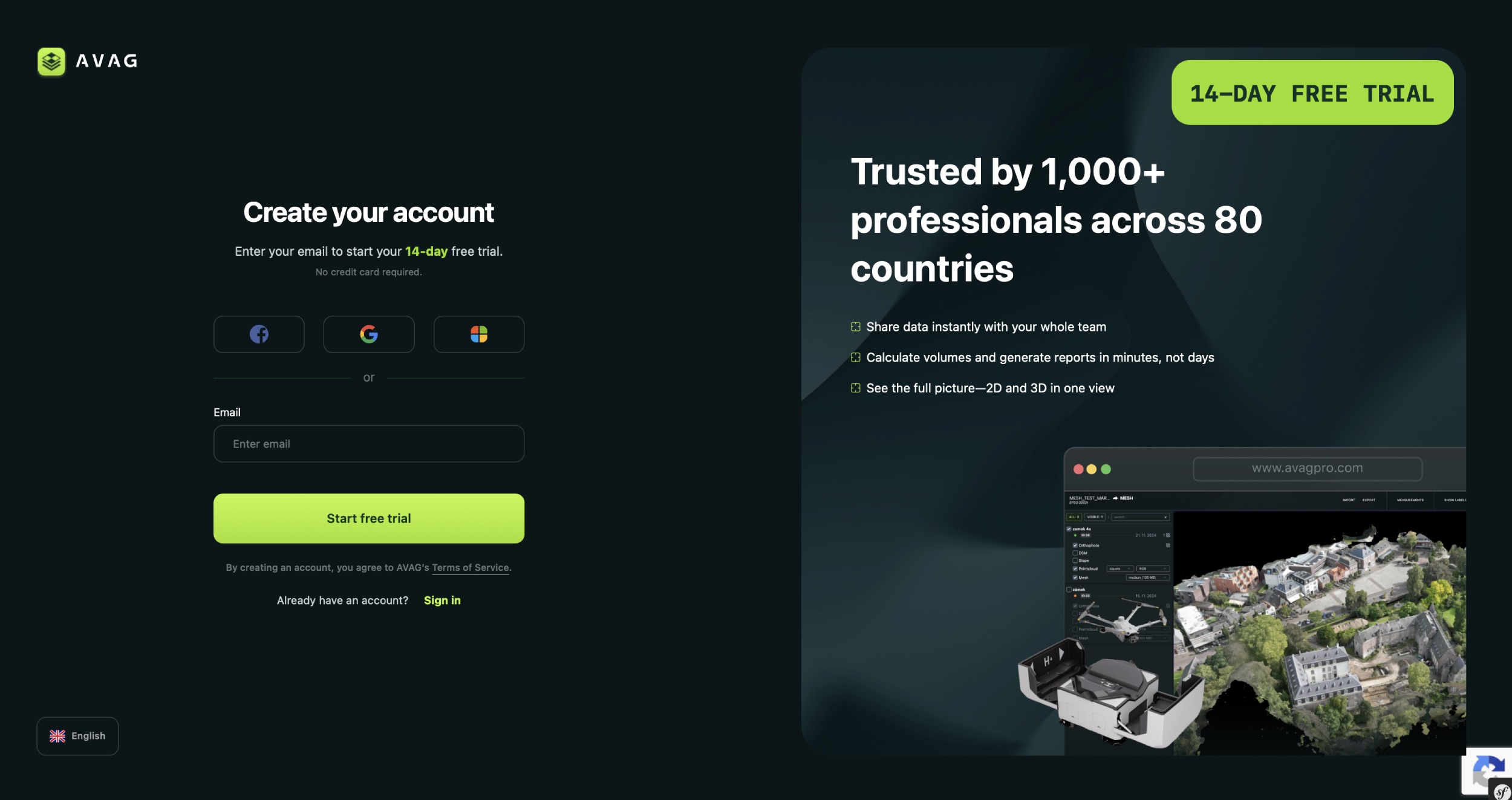
Section titled “Step 1: Start your free trial”Head to avagpro.com and click the Try for free button in the top right corner. You’ll be taken to the registration page at app.avagpro.com/register.
No credit card required. Your free trial lasts 14 days and gives you full access to explore the platform.
Step 2: Enter your email or sign in with an existing account
Section titled “Step 2: Enter your email or sign in with an existing account”On the registration page, you have two options:
- Quick sign-up – click the Facebook, Google, or Microsoft button to register instantly using an existing account.
- Email sign-up – type your work email address into the Log in email field and click Create account.
By registering, you accept the AVAG terms and conditions.
Step 3: Check your inbox
Section titled “Step 3: Check your inbox”After submitting your email, you’ll receive a verification email from notification@avagpro.com. Click the link inside to continue.
Tip: If you don’t see the email within a minute or two, check your spam or junk folder.
Step 4: Finish your registration
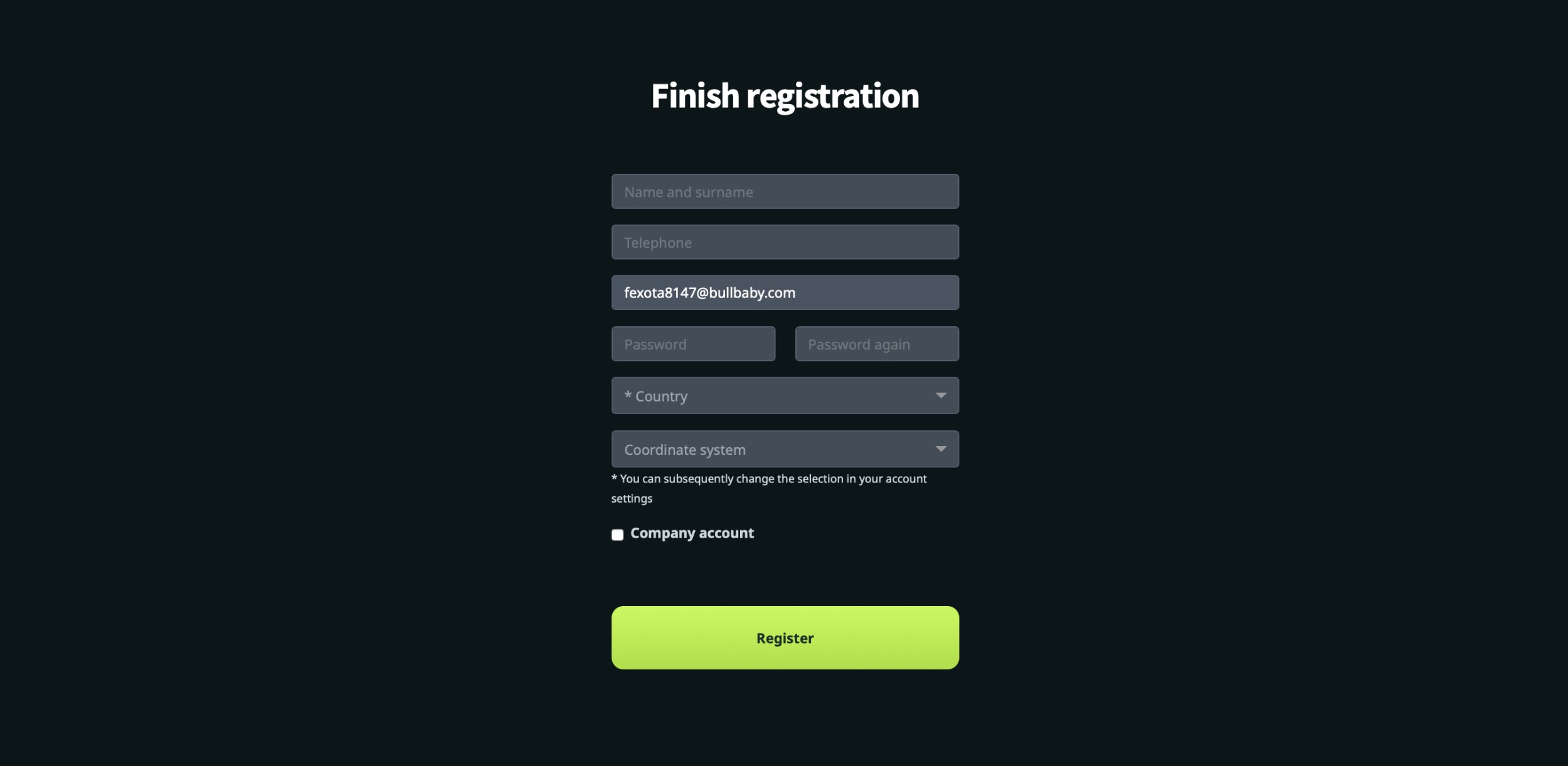
Section titled “Step 4: Finish your registration”Clicking the verification link takes you to the Finish registration page, where you’ll complete your profile:
- Name and surname
- Telephone
- Password (enter twice to confirm)
- Country
- Coordinate system – choose your preferred default. Don’t worry, you can change this later in your account settings.
Setting up a company account? Check the Company account box to unlock additional fields: company ID, VAT number, company name, address, and industry. You can use the Find in Index shortcut to look up your company details automatically.
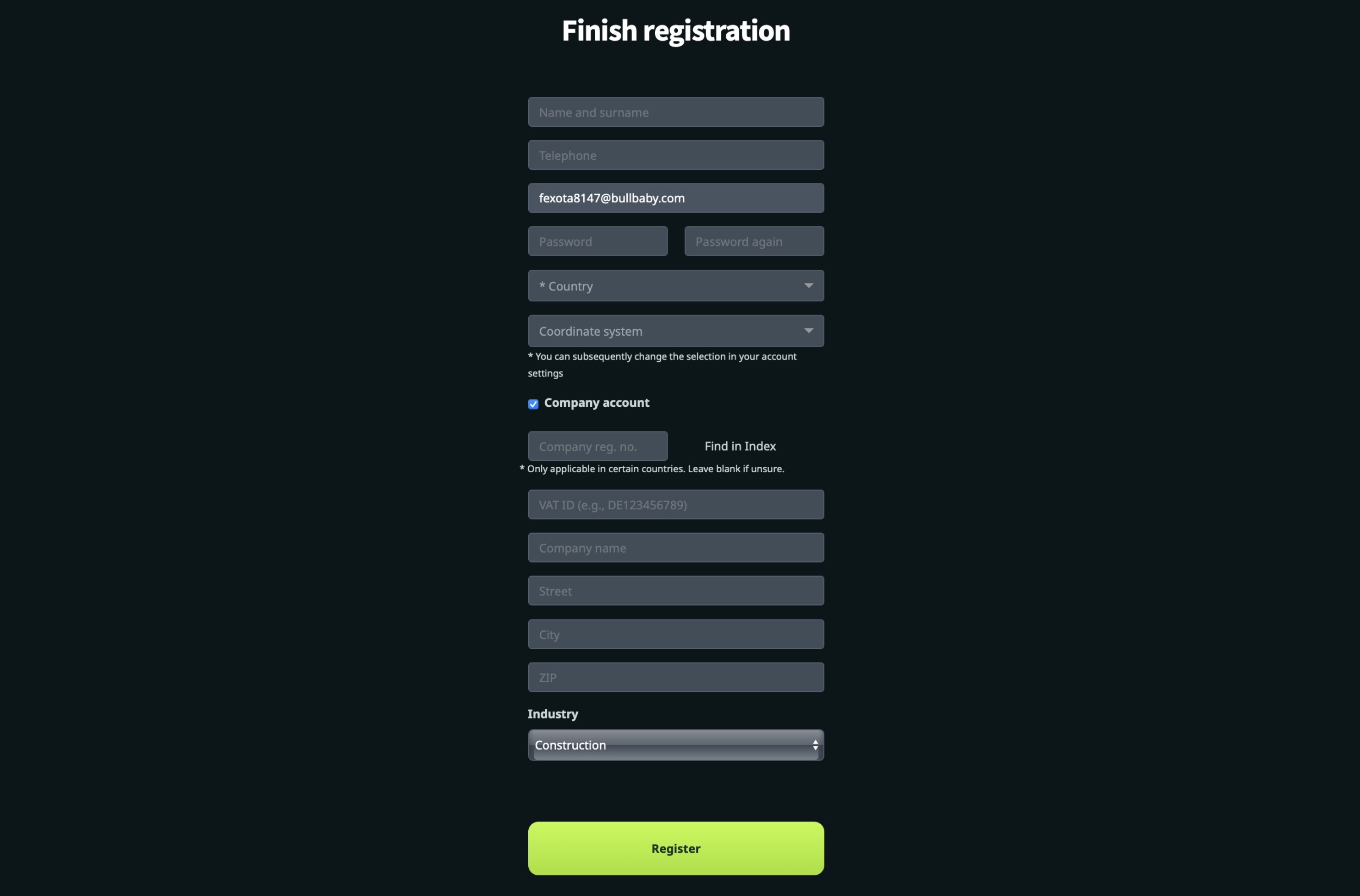
When everything looks good, click Register, and you’re in!
Already have an account? Go to https://app.avagpro.com/login/ and click Sign in.