
Understanding & Managing Credits
Credits are AVAG’s currency for Expert processing: the paid processing option that involves GCP application, accuracy verification, and semi-automatic processing by the AVAG photogrammetry team.
1 credit = 1 expert processing job of up to 500 photos.
How can I use credits inside AVAG?
Section titled “How can I use credits inside AVAG?”When you uncheck the No GCPs box when uploading a dataset, you’re requesting Expert processing. This requires a credit. Without a credit available, the expert processing job cannot be submitted.
Automated processing (without GCPs) is always free and never uses credits.

How much do credits cost?
Section titled “How much do credits cost?”99€ per credit (excl. VAT). Each credit covers one dataset of up to 500 photos.
How do I check my credit balance?
Section titled “How do I check my credit balance?”Your current credit balance is visible in two places:
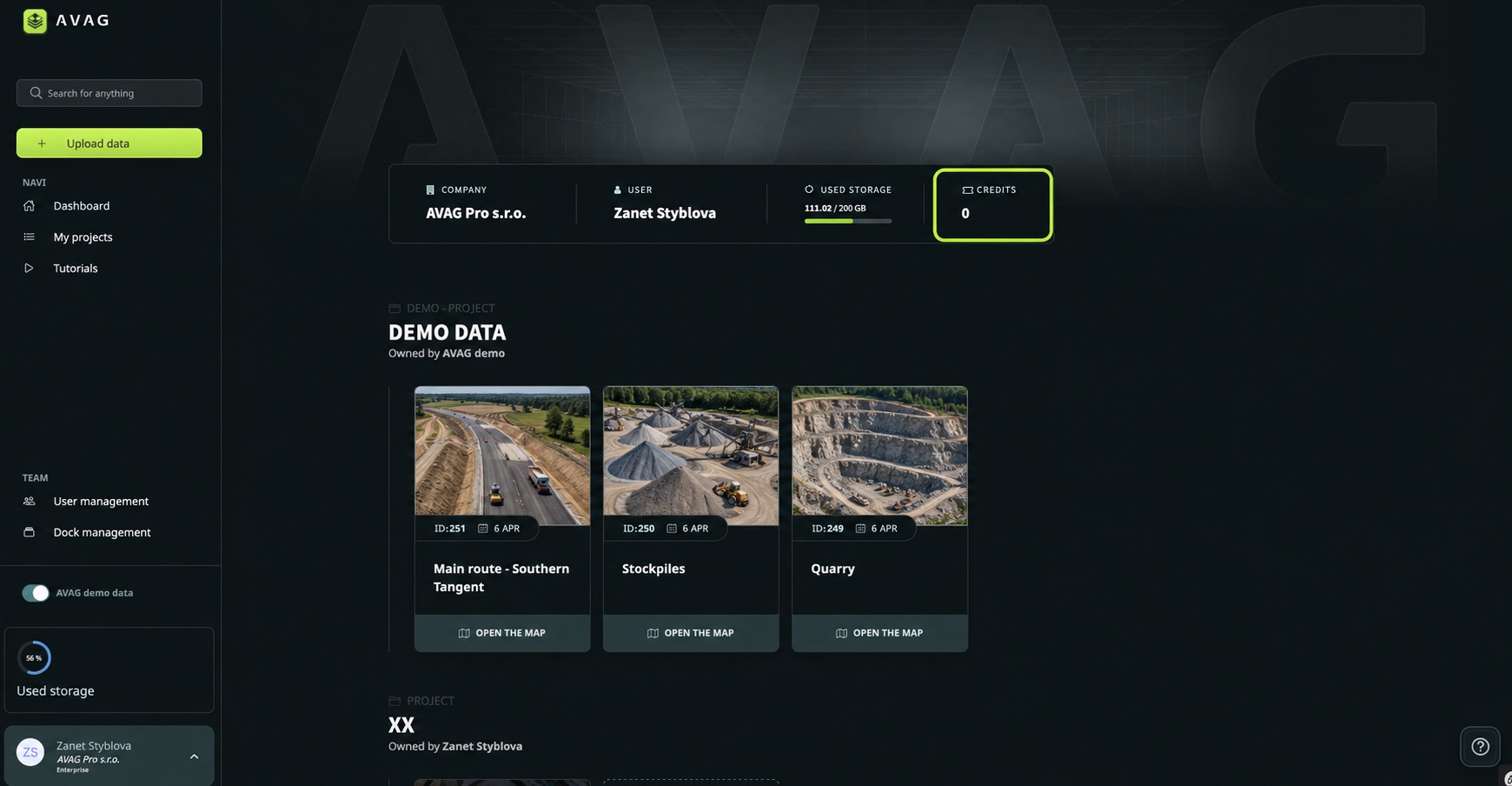
- Dashboard – the main screen shows your available credits in the top summary panel
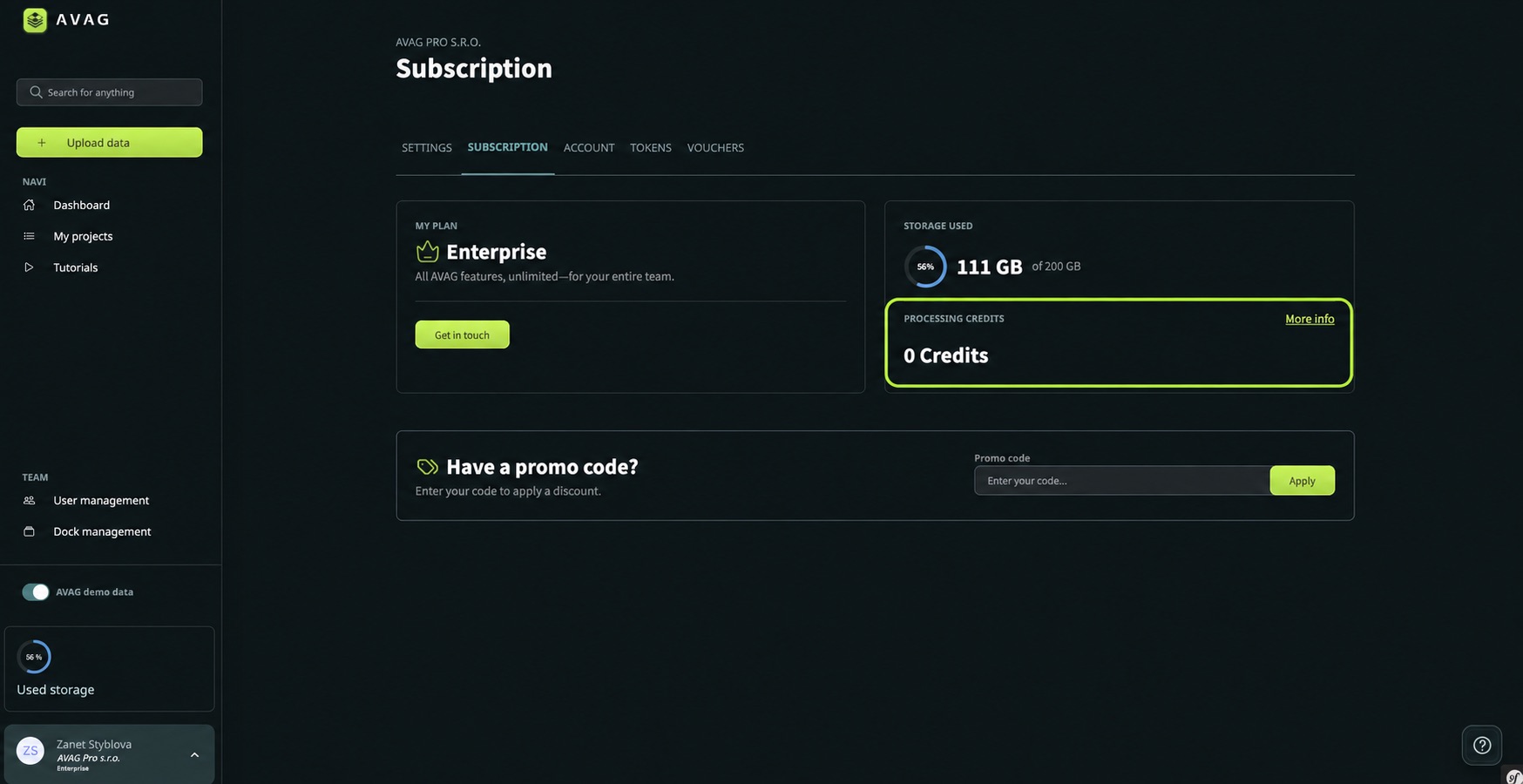
- Subscription page – go to your profile menu in the bottom left corner, select Subscription, and scroll down to the Available Credits section
How do I buy credits?
Section titled “How do I buy credits?”- Click your name in the bottom left corner of the sidebar
- Select Subscription
- Scroll down to Buy more credits
- Enter the number of credits you want to purchase
- The price updates automatically – click Buy credits to complete the purchase
Tip: Credits don’t expire, so you can buy them in advance and use them whenever you need Expert processing.